MAKE JOURNAL
Eco-solvent or UV ink: printer compatibility and care checklist
Collect the exact printer, printhead and ink information before requesting supplies.
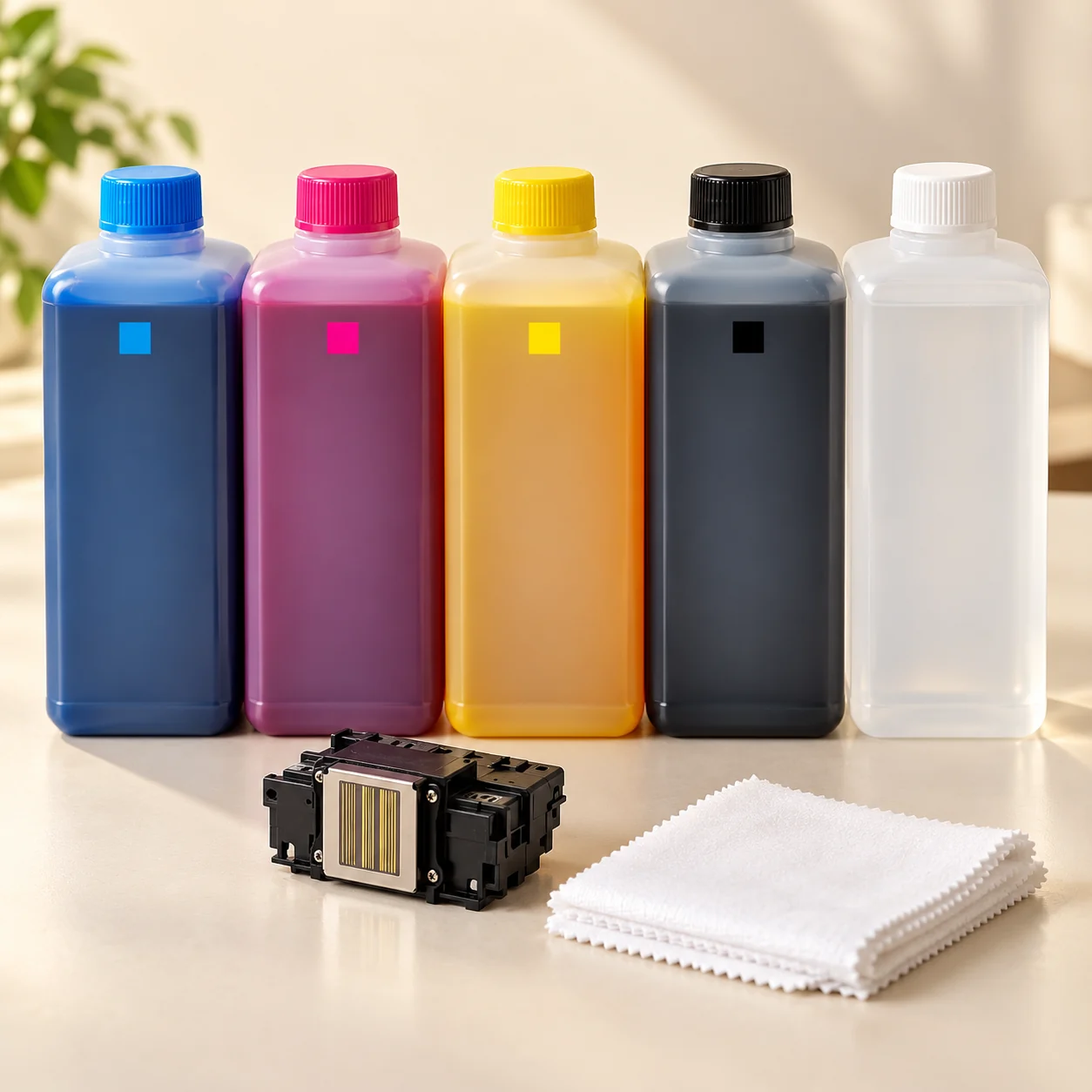
Identify the installed system
Record the printer model, printhead model, current ink brand and exact ink series. Photograph the existing label if it is safe to do so. Similar names or connectors are not enough to establish compatibility. Ask MAKE to confirm the specific item before placing a supply order.
Keep different ink systems separate
Do not choose a replacement only by colour or price. Request the manufacturer's compatibility guidance for the printer and the proposed ink. If a changeover is being considered, ask an authorised technician about the required procedure rather than mixing inks or experimenting in the machine.
Quote the quantity you actually need
State bottle size, colours and the quantity of each colour. Include any separately required consumables. A per-bottle price cannot be compared with a price for a different volume without checking the actual specification. Current selling rates and availability need confirmation.
Plan care from the manual
Use the equipment manufacturer's maintenance instructions for your exact machine. Ask a qualified service provider about cleaning fluid, caps, wipers and tools. Do not assume a brush, tissue or solvent is safe for a printhead simply because it is sold as a general printing accessory. Follow the safety information supplied with the materials.
Keep a clear record
Retain labels and the order specification so future replenishment can refer to the same approved series. Report an issue with the model, batch details and symptoms; avoid guessing at a replacement part. MAKE confirms supply details, while machine servicing and any technical intervention need an agreed scope.